2-ton wrote:
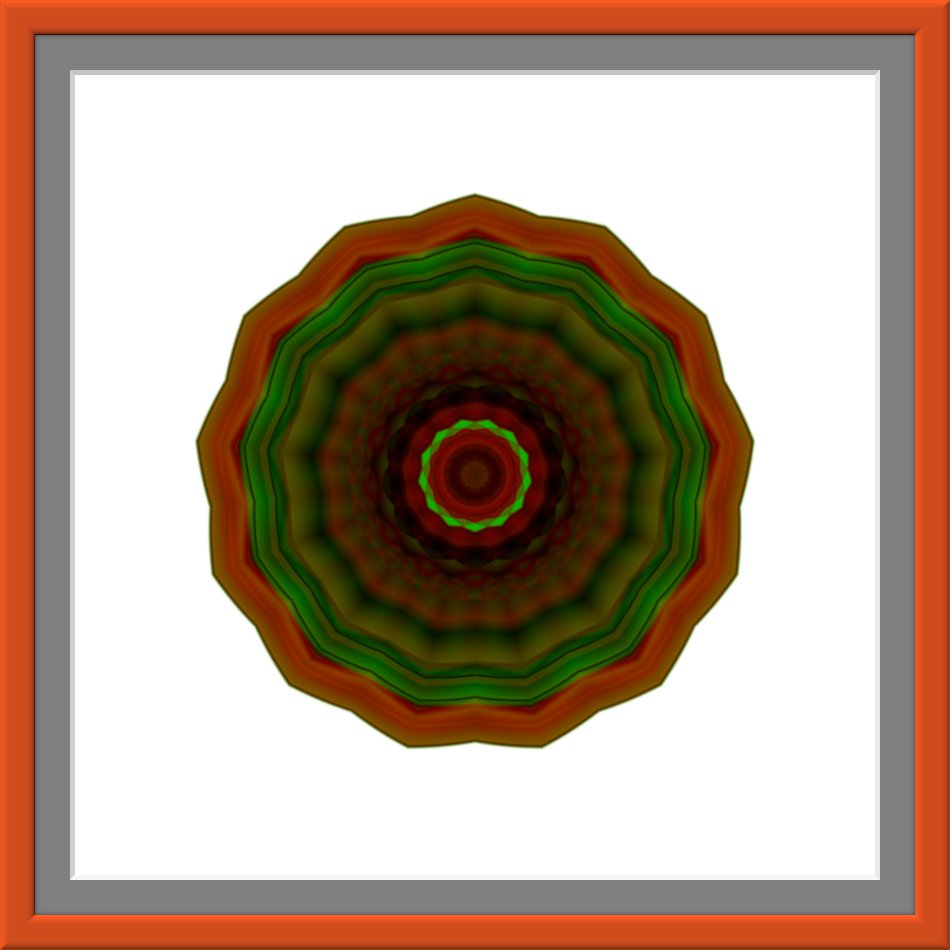
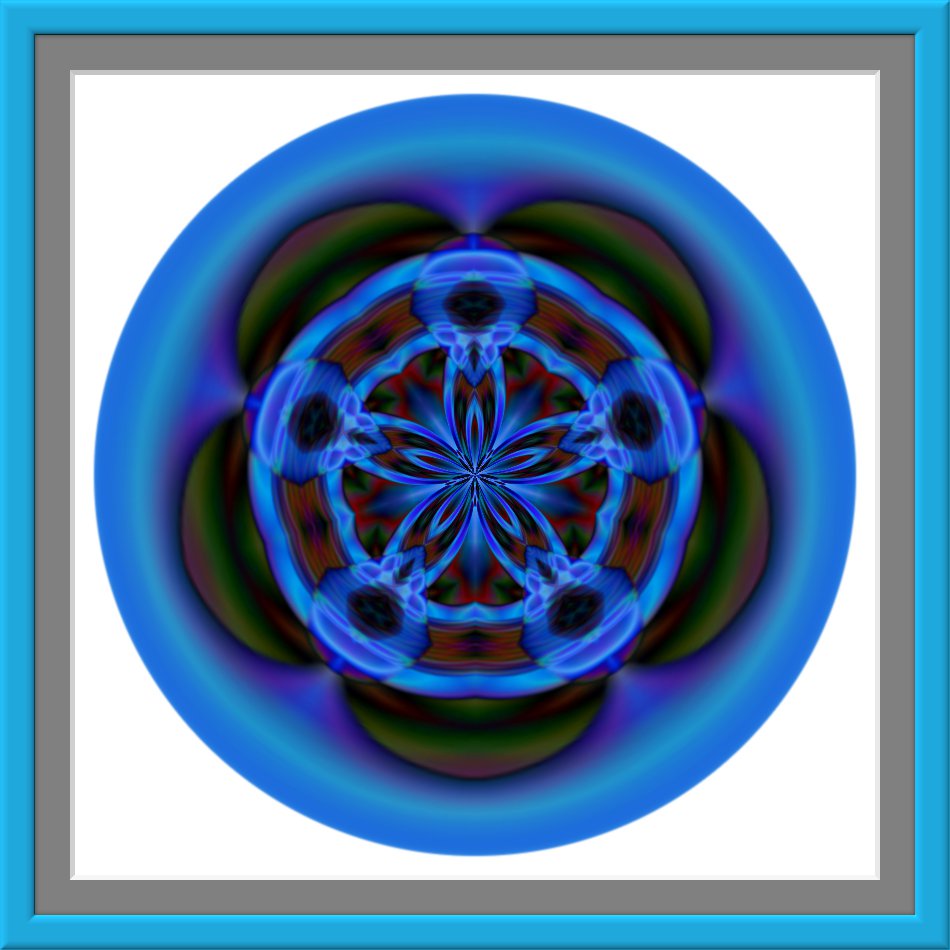
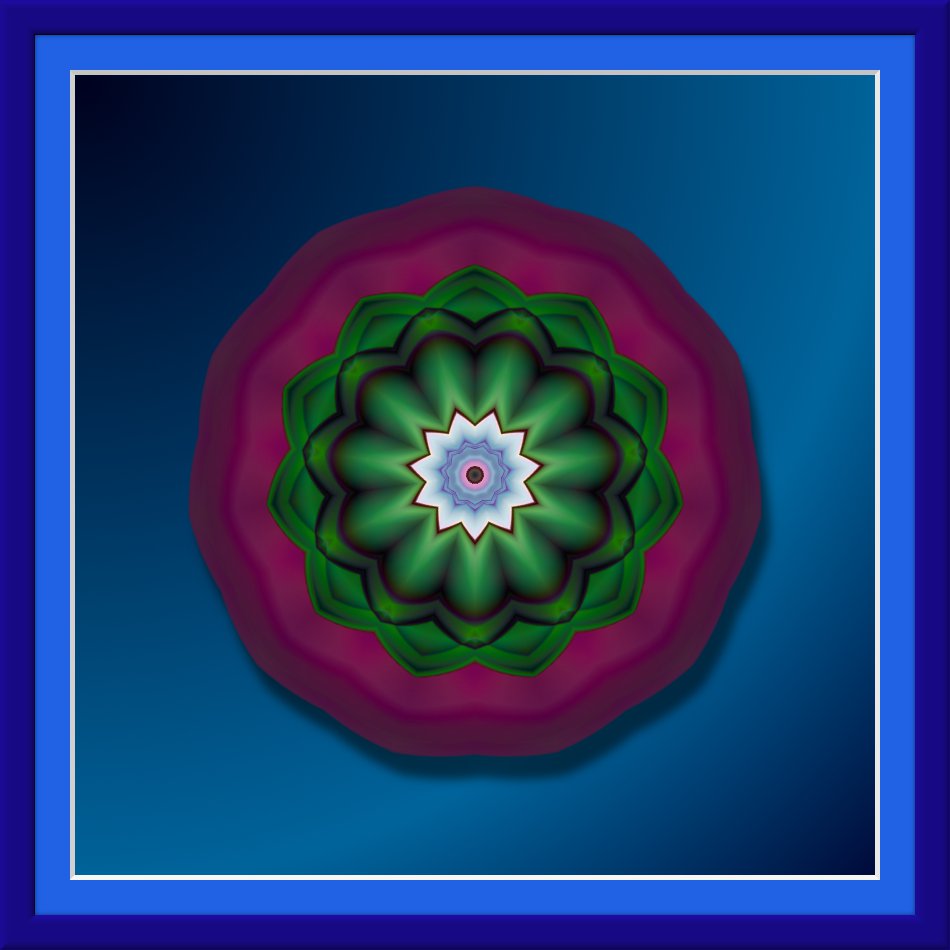
fascinating and beautiful...so how did you do this?
I would like to know also 2-ton.I must loosing my mind.I'm trying to figure it out on another gradient example but i'm stuck.i know i used mathmap (kaleidoscope filter)and Darla's script for the Amazing circle but the rest 

Sorry for this.I think that i need to write every step that i make in gimp .I've got it.Yipiiii.
Create new white layer.Choose one of these gradients Horizon 1 ; Horizon 2 ; Land 1 ;Nauseating Headache (i think i used horizon 2).Then I set the mode of the gradient to difference and the shape to radial.
Now from each of the four corners create gradient (from the top left corner to the bottom right corner ; from the bottom right corner to the top left corner ; from the top right corner to the bottom left and from the bottom left one to the top right corner).Next….you need four more gradients,one from each corner to the middle of the image.
It's time for Darla's Amazing circle script (used default settings),then i make white background invisible.Mark the circle and run Mathmap (kaleidoscope filter).After that i add mat and frame.Finally i make white background visible.
Hope this was understandable.
 Login
Login Register
 Tweets
 FAQ
FAQ Advanced Search










 That so real, really out towards you.