It is currently Wed Oct 28, 2026 7:23 am


All times are UTC - 5 hours [ DST ]


Post new topic Reply to topic  [ 16 posts ] 
Author Message
 Post subject: 3D Circle
PostPosted: Sun Oct 30, 2011 6:57 am  (#1) 
Offline
GimpChat Member
User avatar

Joined: Jul 08, 2011
Posts: 285
Image

_________________
Image

My Flickr
http://anaplus.deviantart.com/


Share on Facebook Share on Twitter Share on Orkut Share on Digg Share on MySpace Share on Delicious Share on Technorati
Top
 Post subject: Re: 3D Circle
PostPosted: Sun Oct 30, 2011 7:50 am  (#2) 
Offline
GimpChat Member
User avatar

Joined: Apr 08, 2010
Posts: 5420
Location: Northwest Ohio
fascinating and beautiful...so how did you do this?


Top
 Post subject: Re: 3D Circle
PostPosted: Sun Oct 30, 2011 7:56 am  (#3) 
Offline
GimpChat Member
User avatar

Joined: Apr 07, 2010
Posts: 14182
cool Ana

_________________
Image


Top
 Post subject: Re: 3D Circle
PostPosted: Sun Oct 30, 2011 8:05 am  (#4) 
Offline
GimpChat Member
User avatar

Joined: Jul 08, 2011
Posts: 285
2-ton wrote:
fascinating and beautiful...so how did you do this?


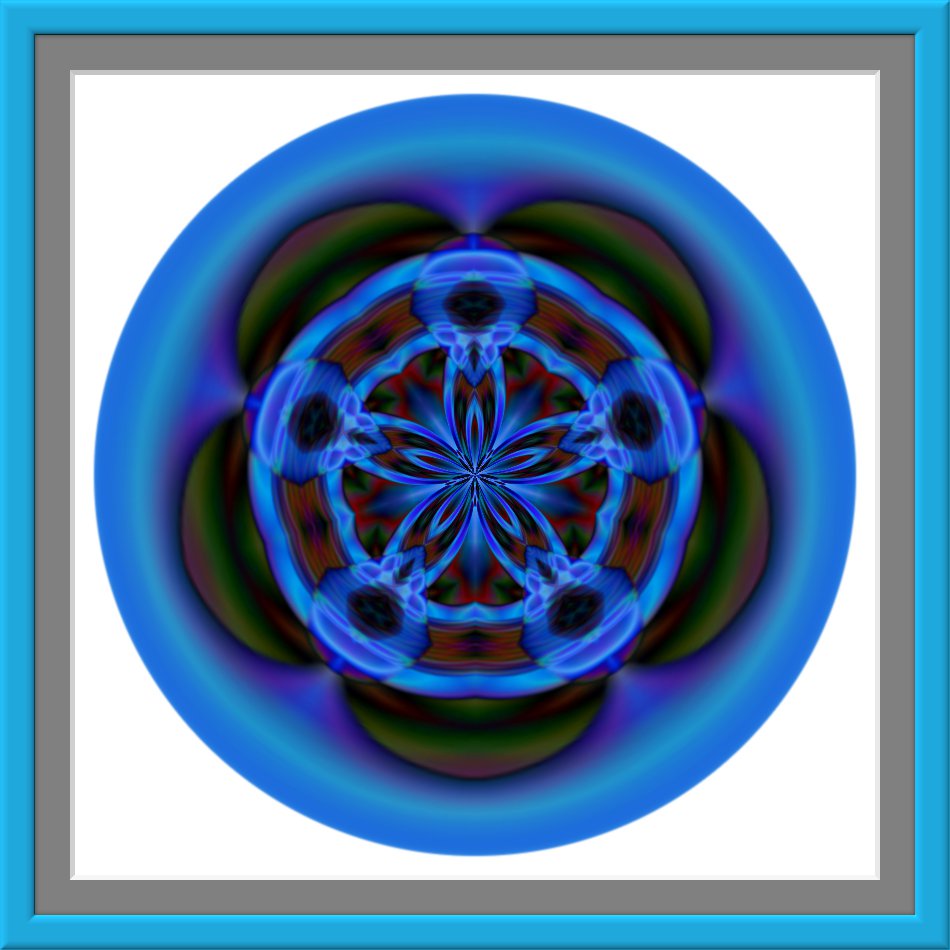
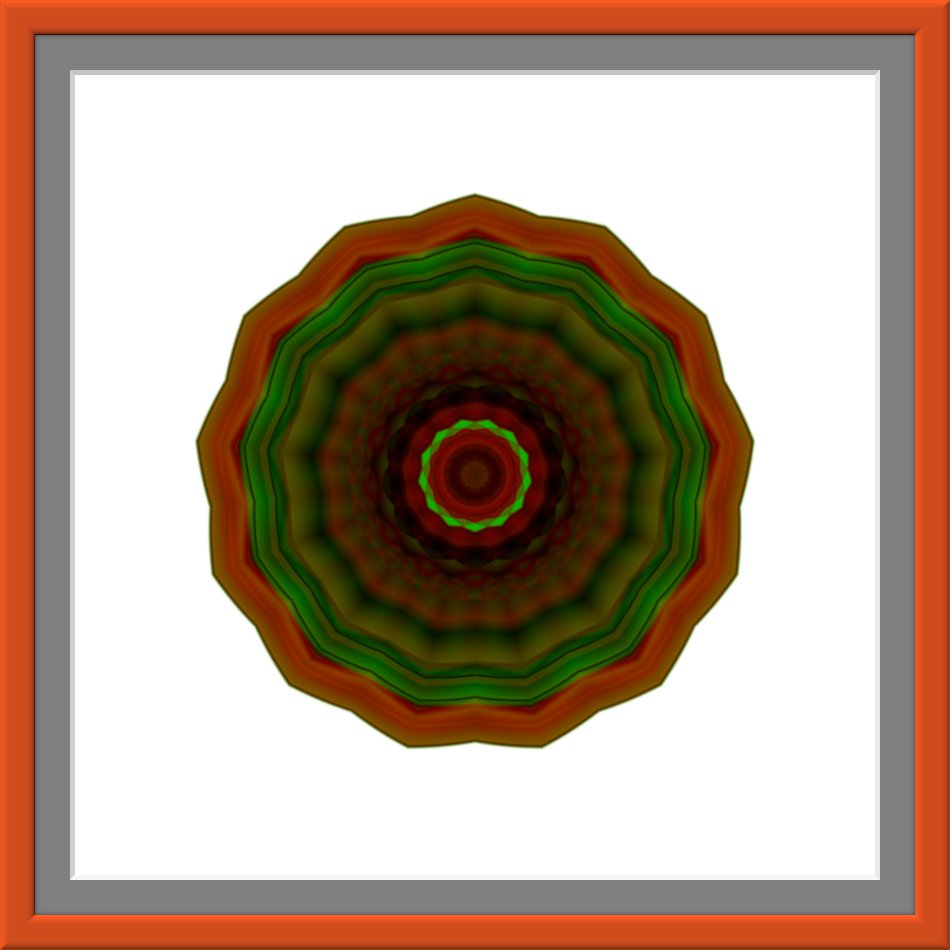
I would like to know also 2-ton.I must loosing my mind.I'm trying to figure it out on another gradient example but i'm stuck.i know i used mathmap (kaleidoscope filter)and Darla's script for the Amazing circle but the rest :( :gaah
Sorry for this.I think that i need to write every step that i make in gimp .


I've got it.Yipiiii.
Create new white layer.Choose one of these gradients Horizon 1 ; Horizon 2 ; Land 1 ;Nauseating Headache (i think i used horizon 2).Then I set the mode of the gradient to difference and the shape to radial.
Now from each of the four corners create gradient (from the top left corner to the bottom right corner ; from the bottom right corner to the top left corner ; from the top right corner to the bottom left and from the bottom left one to the top right corner).Next….you need four more gradients,one from each corner to the middle of the image.
It's time for Darla's Amazing circle script (used default settings),then i make white background invisible.Mark the circle and run Mathmap (kaleidoscope filter).After that i add mat and frame.Finally i make white background visible.
Hope this was understandable.
Image

_________________
Image

My Flickr
http://anaplus.deviantart.com/


Last edited by Ana on Sun Oct 30, 2011 9:42 am, edited 1 time in total.

Top
 Post subject: Re: 3D Circle
PostPosted: Sun Oct 30, 2011 8:06 am  (#5) 
Offline
GimpChat Member
User avatar

Joined: Jul 08, 2011
Posts: 285
molly wrote:
cool Ana

Thanks Molly.

_________________
Image

My Flickr
http://anaplus.deviantart.com/


Top
 Post subject: Re: 3D Circle
PostPosted: Mon Oct 31, 2011 5:38 am  (#6) 
Offline
GimpChat Member
User avatar

Joined: Jul 08, 2011
Posts: 285
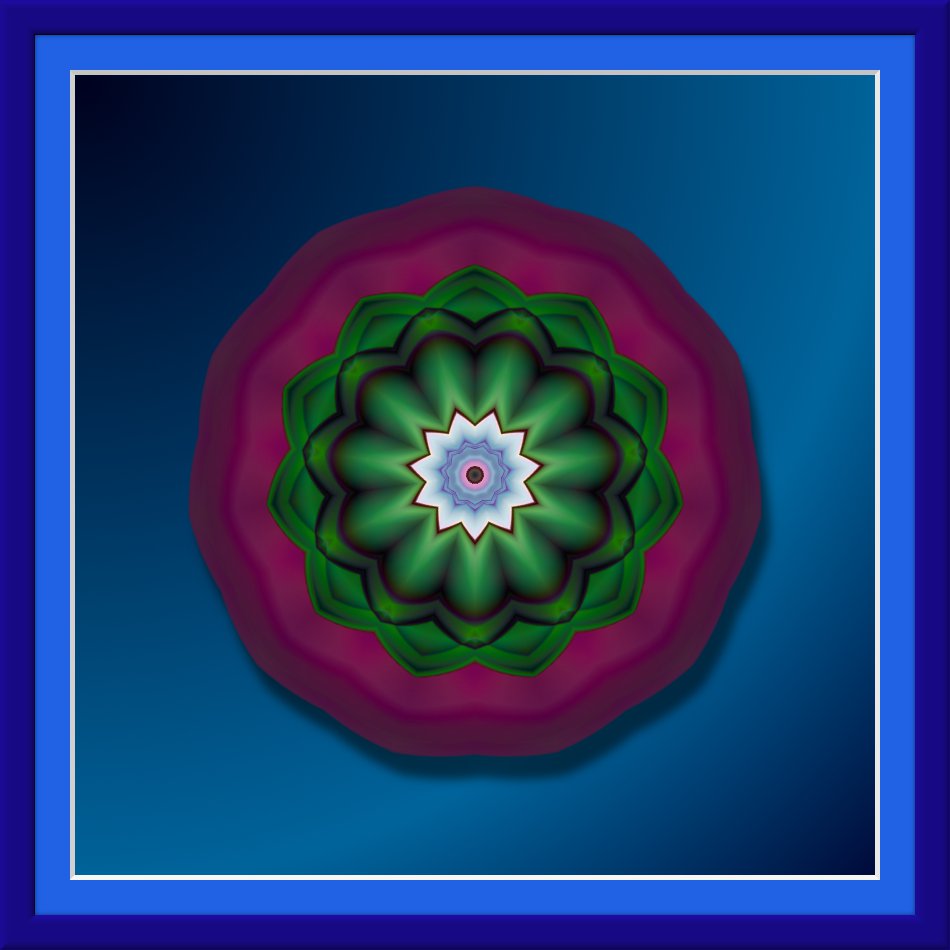
Here is another one....i know it's not like the first one :( think i need more practice....hope you like this one too :)

Image

_________________
Image

My Flickr
http://anaplus.deviantart.com/


Top
 Post subject: Re: 3D Circle
PostPosted: Mon Oct 31, 2011 11:47 am  (#7) 
Offline
GimpChat Member
User avatar

Joined: Sep 12, 2011
Posts: 377
Location: UK
Oh hang on diving in the first one :D That so real, really out towards you.

They are cool Ana


Top
 Post subject: Re: 3D Circle
PostPosted: Mon Oct 31, 2011 3:28 pm  (#8) 
Offline
GimpChat Member
User avatar

Joined: Jul 08, 2011
Posts: 285
Lorri wrote:
Oh hang on diving in the first one :D That so real, really out towards you.

They are cool Ana


Thanks Lorri. :)

_________________
Image

My Flickr
http://anaplus.deviantart.com/


Top
 Post subject: Re: 3D Circle
PostPosted: Mon Oct 31, 2011 3:44 pm  (#9) 
Offline
Former Member
User avatar

Joined: Nov 17, 2010
Posts: 618
Location: Rockford, IL
I love how glossy it is, but don't understand why it has a border?


Top
 Post subject: Re: 3D Circle
PostPosted: Tue Nov 01, 2011 7:26 am  (#10) 
Offline
GimpChat Member

Joined: Oct 31, 2011
Posts: 112
hei, can I use your circle in post #6 for some photomanipulation (the one which looks like green lotus)? of course I will link back here. thanx in advance


Top
 Post subject: Re: 3D Circle
PostPosted: Tue Nov 01, 2011 7:35 am  (#11) 
Offline
GimpChat Member
User avatar

Joined: Jul 08, 2011
Posts: 285
hanciong wrote:
hei, can I use your circle in post #6 for some photomanipulation (the one which looks like green lotus)? of course I will link back here. thanx in advance


Yes,you can and of course...i'd like to see what you've done.

_________________
Image

My Flickr
http://anaplus.deviantart.com/


Top
 Post subject: Re: 3D Circle
PostPosted: Tue Nov 01, 2011 12:19 pm  (#12) 
Offline
GimpChat Member

Joined: Oct 31, 2011
Posts: 112
Ana wrote:
hanciong wrote:
hei, can I use your circle in post #6 for some photomanipulation (the one which looks like green lotus)? of course I will link back here. thanx in advance


Yes,you can and of course...i'd like to see what you've done.


Thanx. I will write link here if I finished. Btw, just curious, do you have account in deviantart?


Top
 Post subject: Re: 3D Circle
PostPosted: Tue Nov 01, 2011 12:25 pm  (#13) 
Offline
GimpChat Member
User avatar

Joined: Jul 08, 2011
Posts: 285
hanciong wrote:
Ana wrote:
hanciong wrote:
hei, can I use your circle in post #6 for some photomanipulation (the one which looks like green lotus)? of course I will link back here. thanx in advance


Yes,you can and of course...i'd like to see what you've done.


Thanx. I will write link here if I finished. Btw, just curious, do you have account in deviantart?


Yap..yes

_________________
Image

My Flickr
http://anaplus.deviantart.com/


Top
 Post subject: Re: 3D Circle
PostPosted: Thu Nov 03, 2011 6:17 am  (#14) 
Offline
GimpChat Member

Joined: Oct 31, 2011
Posts: 112
May I know the name of your account in deviantart? And do you display the lotus in post #6 there? If yes, I want to fave it :-D.


Top
 Post subject: Re: 3D Circle
PostPosted: Thu Nov 03, 2011 7:01 am  (#15) 
Offline
GimpChat Member
User avatar

Joined: Apr 07, 2010
Posts: 14182
Hanciong, You can download the lotus by right clicking on the image and save image to your desktop.

_________________
Image


Top
 Post subject: Re: 3D Circle
PostPosted: Thu Nov 03, 2011 1:11 pm  (#16) 
Offline
GimpChat Member
User avatar

Joined: Jul 08, 2011
Posts: 285
hanciong wrote:
May I know the name of your account in deviantart? And do you display the lotus in post #6 there? If yes, I want to fave it :-D.


Hi Hanciong.I didn't post it there....Only have maybe 10 images there.
Here is the link
http://anaplus.deviantart.com/

_________________
Image

My Flickr
http://anaplus.deviantart.com/


Top
Post new topic Reply to topic  [ 16 posts ] 

All times are UTC - 5 hours [ DST ]


* Login  


Powered by phpBB3 © phpBB Group