@RobA
Gurm may be used on portable gimp ? 
I know you Saulgoode and Oftnuts and Paynjikj did the best to explain about relative and absolute paths
...but i never get it
Luckily i had a vision on how to solve for me and others:
i prepare all folders and subfolder and relative content, ...i do everything except set up the paths
...then i will zip , upload, and post here the link
Then i do not ask you (or who wish to help ) to fix all the paths, i just need to see 1 max 2 example..
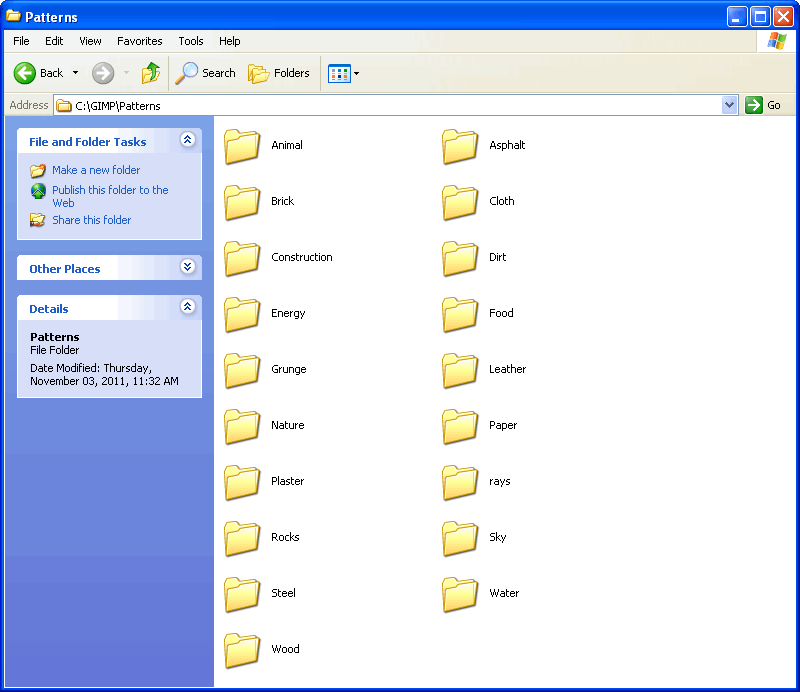
let say the set up for Patterns/Semitransparent_BW and Patterns/Semitransparent_Color...
And then zip , upload let say on Megaupload and post the link
(again i do not need all the set up done but a few examples i may do the rest )
i hope to not ask too much but the zip will remain online as before/after example
and i believe would be the most effective way to clear how to set up Gurm on Portable GIMP
BTW
I believe Gurm pre-installed in Partha Gimp_2.7.4 Windows build , both portable and standard but then would be nice if could work out of the box
well... i will be back with a link (may take a while i can't upload from this connection large files)
That before/after exa even if limited
 Login
Login Register
 Tweets
 FAQ
FAQ Advanced Search










 Don't know if will help you or not but I have my GURM stuff on my D drive outside of Gimp and it works fine. The only thing I have turned on at the moment is the brushes.