Yes. Just open a terminal and login as superuser (su -).
From there, you can install each app/lib listed one at a time via yum. From example..
Allow to complete, then on to next..
You can also install a core list of development tools with one command.
yum groupinstall "Development Tools" <enter>
That won't install all of the development libs you need but it will install many of the development tools (nasm, gcc).
You'll also need the gimp devel packages
gimp-devel
gimp-devel-tools
Once you get all the necessary development tools and libs installed, compiling plug-ins for GIMP (or compiling in general) is a relatively simple task.
What happens here is that the
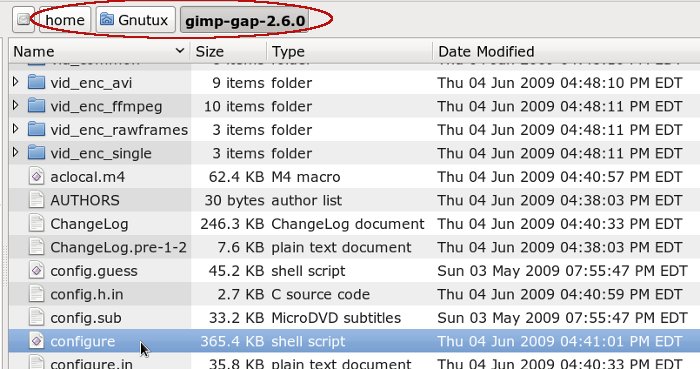
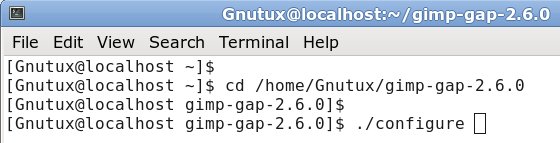
./configure command in Step (1) checks to see if you have all the necessary apps and libs installed to be able to compile GAP. If you're missing something, it will throw an error and point you in the direction of what you might be missing. That list was some of the development tools that were missing in a default install of Fedora.
Once
./configure completes without error, you can move on to the
make command, which actually compiles and links the binary. When that completes without error, you can run
make install, which actually installs the binaries you just compiled.
On a related note: you can run
./configure and
make command under your regular user account. You only need to login as superuser when installing or running the
make install command.
 Login
Login Register
 Tweets
 FAQ
FAQ Advanced Search


 I am using Fedora 16 now as my main OS. I am still trying to figure out how and if I can install GAP into my Linux-Gimp 2.6.11. I tried the yum install and also add and remove programs and I don't see it.