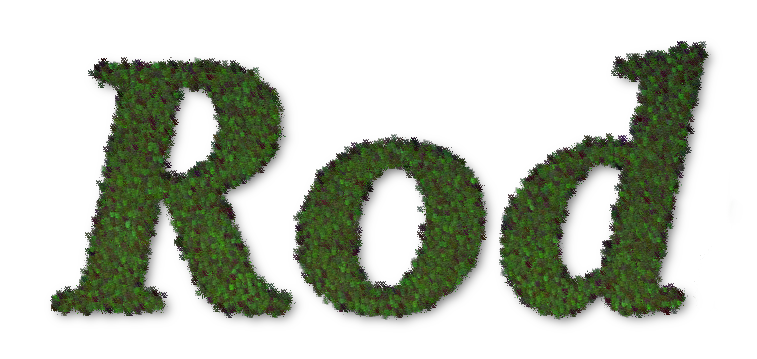
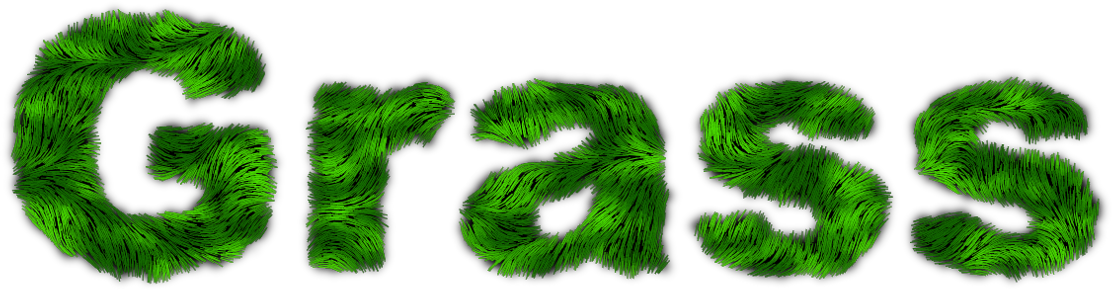
Graechan wrote:
Rod if you save the settings as a preset then you could script it
Now we need a "passing out candy" emoticon.

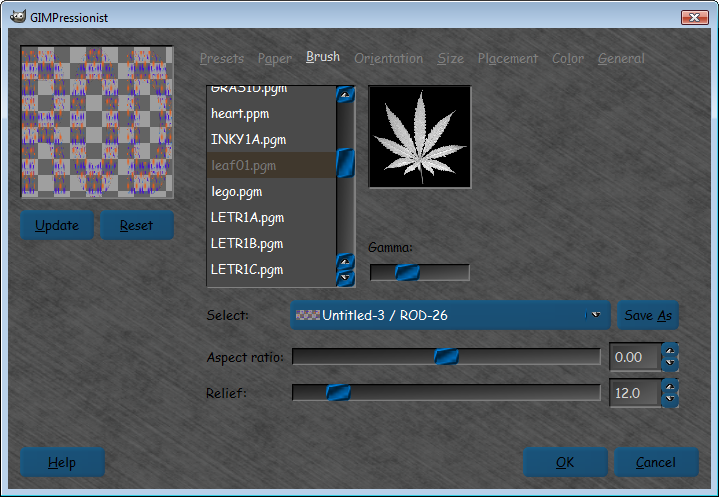
Graechan here are the settings and the brush (not sure if this brush is default in gimp lol).
UHOH! - The extension pgm is not allowed.
I attached a zip.

settings
Preset
desc=Makes a grass effect
name=Grass-Text
orientnum=4
orientfirst=0.000000
orientlast=60.000000
orienttype=0
sizenum=7
sizefirst=7.000000
sizelast=10.000000
sizetype=2
brushrelief=12.000000
brushdensity=20.000000
brushgamma=1.000000
brushaspect=0.000000
generalbgtype=1
generaldarkedge=0.100000
generalpaintedges=1
generaltileable=0
generaldropshadow=0
generalshadowdarkness=20.000000
generalshadowdepth=10
generalshadowblur=4
devthresh=0.100000
paperrelief=0.000000
paperscale=30.000000
paperinvert=0
paperoverlay=0
selectedbrush=Brushes\leaf01.pgm
selectedpaper=Paper\defaultpaper.pgm
color=000000
placetype=0
placecenter=0
numorientvector=1
orientvector=0,0.500000,0.500000,0.000000,0.000000,1.000000,1.000000,0
orientangoff=0.000000
orientstrexp=1.000000
orientvoronoi=0
numsizevector=1
sizevector=0,0.500000,0.500000,50.000000,1.000000
sizestrexp=1.000000
sizevoronoi=0
colortype=0
colornoise=0.000000
You need to use a linear gradient top to bottom.
Then run Gimpressionist
Then use noise/spread-10
Then run the Gimpressionist filter again.
Then noise>RGB noise - independent RGB - 0.20 for all color values - alpha 0
Drop shadow - 4, 4, 15
Results -
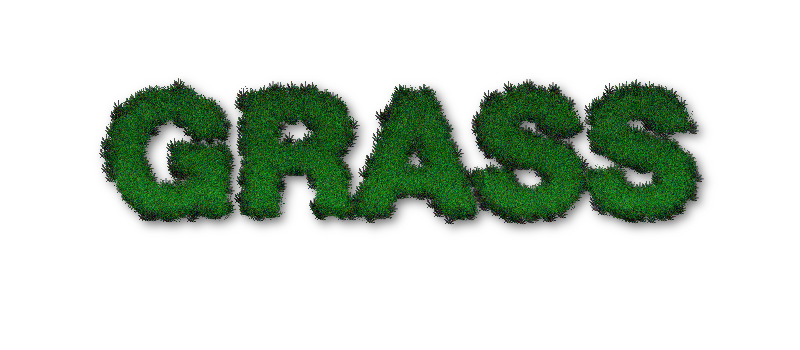
I may have the size too small for the brush , and noise RGB noise can be tweaked.You can experiment though.

 Login
Login Register
 Tweets
 FAQ
FAQ Advanced Search